

Posterize Time effect
The Posterize Time effect locks a layer to a specific frame rate. It’s useful on its own as a special effect, but it also has more subtle uses. For example, 60-field-per-second video footage can be locked to 24 frames per second (and then field rendered at 60 fields per second) to give a filmlike look. Also, nested compositions can be locked to a given frame rate. This effect is sometimes called Strobe in hardware devices.
Note: A layer’s masks and any previously applied effects are ignored
by the Posterize Time effect. To posterize the time of a layer with
its masks and effects, precompose the layer before applying the
Posterize Time effect.
Animating the value of the Frame Rate slider can give unpredictable results. For this reason, the only interpolation method allowed for the frame rate is Hold.
This effect works with 8-bpc and 16-bpc color.
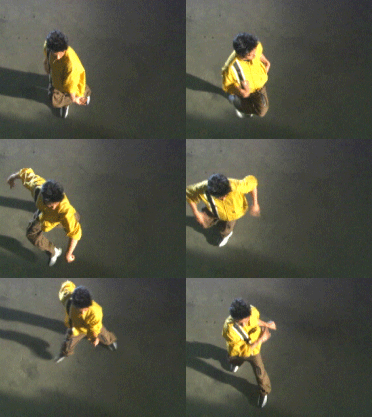
Posterize Time effect