View resources and general information
The Overview section of the Preflight dialog box lists all types of properties and resources for the document, including the color spaces, fonts, patterns, halftone settings, graphic states, and images used. It also lists general information about the analyzed document, such as the application used to create it, the date it was created, and the date it was last modified. The document information also indicates whether the PDF contains notes, forms, hypertext links, metadata, or similar items.
- In the Overview section, expand a property to list the
document’s resources.
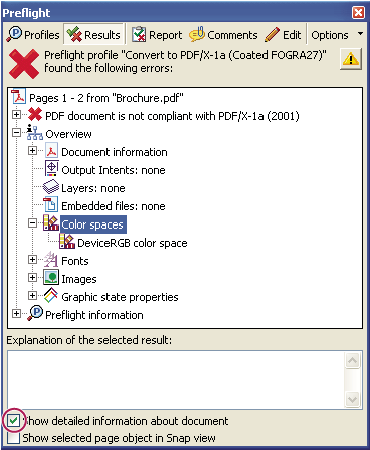 Document resources, including color spaces, fonts, and images found in problem objects
Related Information