About the Actions panel
The Actions panel lets you create and edit ActionScript code for an object or frame. Selecting a frame, button, or movie clip instance makes the Actions panel active. The Actions panel title changes to Button Actions, Movie Clip Actions, or Frame Actions, depending on what is selected.
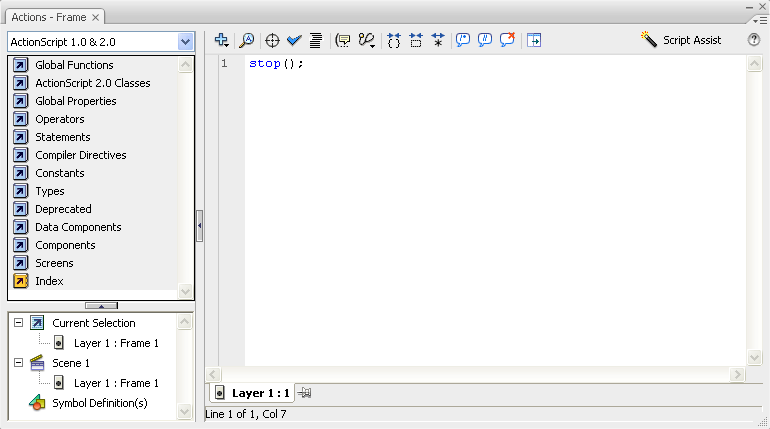
The Actions panel showing a stop() action in a frame
To display the Actions panel, select Window > Actions or press F9.
Related Information
