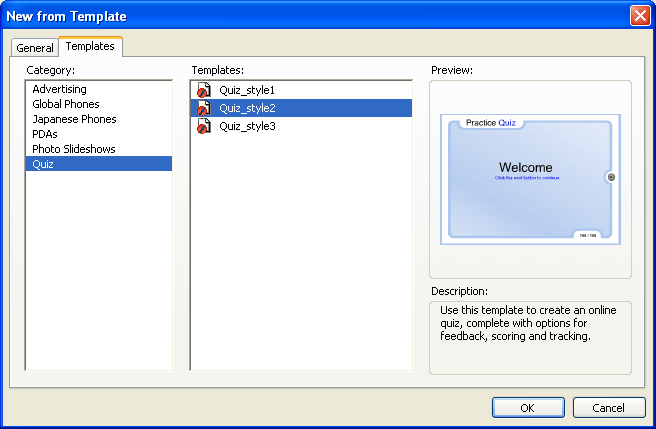
Create a quiz with a quiz template
Each of the three quiz templates that come with Flash has a different graphical look and feel, but they are otherwise identical. Each template contains the following elements:
-
A Welcome page
-
One of each of the six learning interaction types
-
A Results page
-
Navigation elements
-
ActionScript to gather AICC and SCORM tracking information
The quiz templates are fully functional. After creating a document from a quiz template, you can immediately test the document, before modification, to see how the quiz functions.
-
In the Category column, select Quiz; in the Templates
column, select one of the quiz styles.