Using ActionScript 2.0 Components 


Using ActionScript 2.0 Components |
|
|
|
| Working with Components > The Components panel | |||
|
|||
|
|||
|
|||
All components in the user-level configuration/Components directory are displayed in the Components panel. (For more information about this directory, see Where component files are stored.)
 To display the Components panel: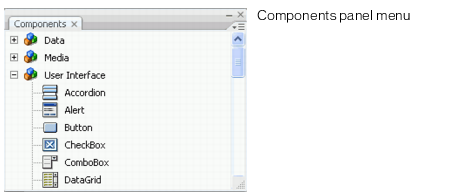
To display components that were installed after Flash starts:(Select File > Publish Settings > Flash tab and select ActionScript 2.0 in the ActionScript dropdown menu.)
|
|||
|
|||
|
|||
|
|
|
|