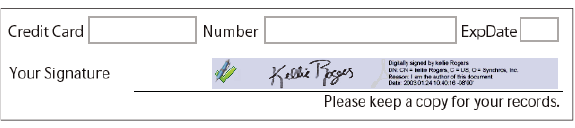
About digital signatures
A digital signature, like a conventional handwritten signature, identifies the person signing a document. Unlike a handwritten signature, a digital signature is difficult to forge because it contains encrypted information that is unique to the signer and easily verified.
Most digital signatures are referred to as approval signatures. Signatures that certify a PDF are called certifying signatures. Only the first person to sign a PDF (most often, the author) can add a certifying signature. A certifying signature attests to the contents of the document and allows the signer to specify the types of changes allowed for the document to remain certified. Changes to the document are detected in the Signatures panel.
To sign a document, you must obtain a digital ID or create a self-signed digital ID in Acrobat. The digital ID contains a private key that is used to add the digital signature, and a certificate that you share with those who need to validate your signature. When you apply a digital signature, Acrobat uses a hashing algorithm to generate a message digest, which it encrypts using your private key. Acrobat embeds the encrypted message digest in the PDF, along with details from your certificate, a visual representation of your signature, and a version of the document at the time it was signed.