View colors by source space
You can limit which colors are displayed in the preview. When you select a source color space, you see only the objects in that color space. Limiting colors is useful, for example, for seeing whether a page contains any RGB color or where a spot color is used.
 In the Output Preview dialog box, select All or
a single source from the Show menu.
In the Output Preview dialog box, select All or
a single source from the Show menu.
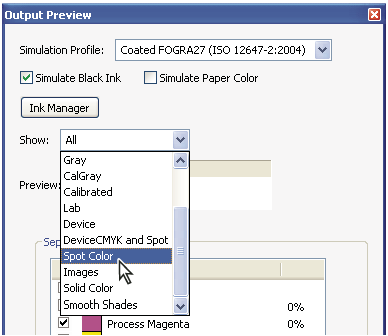
Output Preview dialog box configured for showing spot colors