 |
Works Pages |
||
|
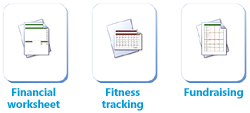
Choose from hundreds of attractive, professionally designed templates.
Choose a
category.
Select the task
you want.
If prompted, review the available styles, and then make your choice.
Click here to view tasks and templates organized by program.
Click the program
name.
Browse tasks and templates, and click the one you want.
Your chosen program opens with a template already loaded and ready for you to customize.
Don’t want to use a template? Just open a new blank document instead.
Planning a party or school project? Works Projects are a great way to get organized.
Click a project
name to view a ready-made to-do list.
All your
documents are associated with your project, so everything is
kept in one place.
Stay on track by
marking items as complete.
Quickly find a document you worked on before.
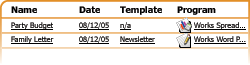
Every document you create with Works is listed on the History page.
You can sort the History list by name, date, template, or program.
To open a document, just click its name.
|
 Templates


 Programs
 Projects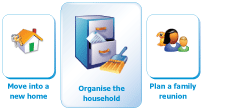


 History