About the screen authoring environment
Screens provide an authoring user interface with structural building blocks that make it easy for you to create complex, hierarchical Flash documents, such as slide presentations or form-based applications.
Screens let you structure complex applications without using multiple frames and layers in the Timeline, and without viewing the Timeline.
When you author a screen-based document, the screens are arranged in a structured hierarchy that you create. To structure the document, nest screens in a branching tree. You can easily preview and modify the structure of a screen-based document.
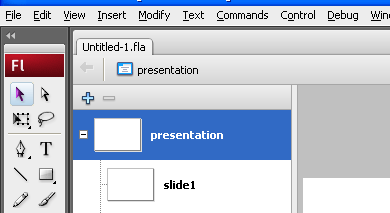
To author a screen-based document, you first create a Slide Presentation or Form Application document. Then you add screens, configure the screens and add content, and add behaviors to create controls and transitions for the screens.
