Using ActionScript 3.0 Components 


Using ActionScript 3.0 Components |
|
|
|
| Using the FLVPlayback Component > Using the FLVPlayback component > Using Live Preview | |||
|
|||
|
|||
|
|||
The FLVPlayback preview parameter enables you to view a frame of the source FLV file in the component on Stage and also to view changes that you make to the component. Clicking the preview parameter opens the following dialog box, which plays a SWF file of the source FLV file.
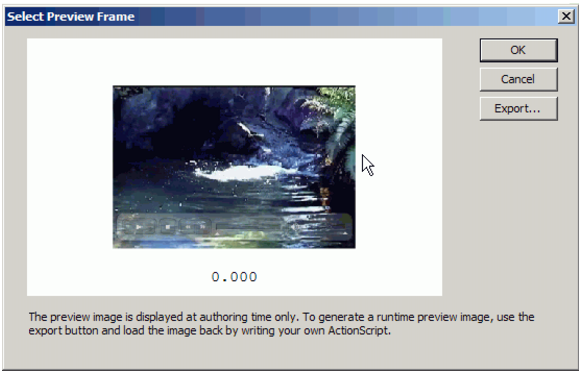
Dialog box to select a live preview frame
Click OK when the FLV file reaches the scene that you would like to capture for previewing the component on the Stage. Displaying a frame of the FLV file in the component on the Stage enables you to see it on the Stage in relationship to other elements of the application.
You can also export the frame that you select to save it as a PNG (portable network graphics) file in whatever location you choose.
|
|||
|
|||
|
|||
|
|
|
|