Using ActionScript 2.0 Components 


Using ActionScript 2.0 Components |
|
|
|
| Creating an Application with Components > Create the checkout screen | |||
|
|||
|
|||
|
|||
When the user clicks the Checkout button on the main screen, the Checkout screen appears. The Checkout screen provides forms where the user can enter billing, shipping, and credit card information. The checkout screen looks like the following:
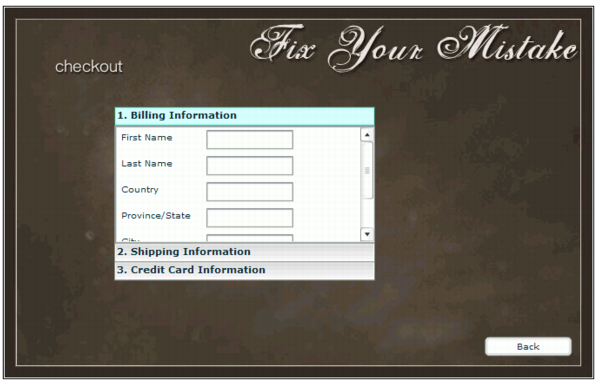
The checkout interface consists of components placed on a keyframe at Frame 10 in the application. You will use the Accordion component to create the checkout interface. The Accordion component is a navigator that contains a sequence of children that it displays one at a time. You will also add a Button component instance to create a Back button, so users can return to the main screen.
Later in the tutorial, you will create movie clips to use as children in the Accordion instance, to display the Billing, Shipping, and Credit Card Information panes.
label property. |
|||
|
|||
|
|||
|
|
|
|