Developing Flash Lite 1.x Applications 


Developing Flash Lite 1.x Applications |
|
|
|
| Working with Text and Fonts > Text field example application | |||
|
|||
|
|||
|
|||
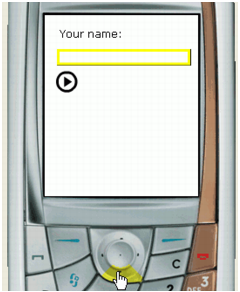
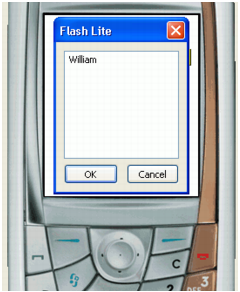
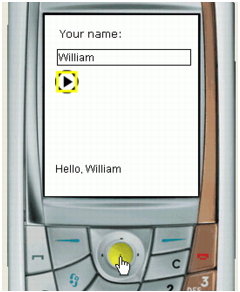
This section describes how to create a simple application that uses static, dynamic, and input text fields. The application asks the user (using text in a static text field) to provide their name (using an input text field). After they enter their name and select a button, the application shows a message (using a dynamic text field) addressed to the user.
 To create a text field example application:
For more information about creating documents from device templates, see Using Flash Lite document templates in Getting Started with Flash Lite 1.x.
stop(); in the Actions panel to stop the playhead on that frame.This text field will display a message that contains the name the user enters in the input text field.
The Stage in your application should look similar to the following image:

on(press) {
    message = "Hello, " add nameVar;
}
|
|||
|
|||
|
|||
|
|
|
|