



|
|
|
|
|
| Learn your way around | |||||
| The launcher comes equipped with a set of useful projects and tools that you can use without ever leaving the main application window. These projects are collectively known as Roxio Home. |
|||||
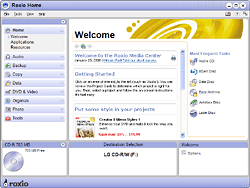
The Roxio Home welcome page.
| Welcome page |
||||
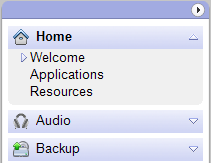 Click on a tab to reveal the available
projects in that category. |
Step 1: Click on a project tab |
||||
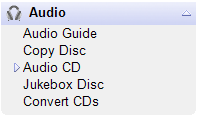
Click on a project name to get started. |
Step 2: Choose a project |
||||
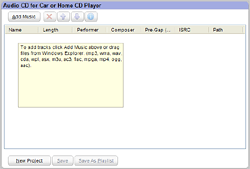
The project window is different
for each project. |
Step 3: Set up the project |
||||
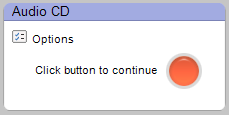
The action button is located on
the right side of the control panel. |
Step 4: Click on the action button |
||||
 |
 |
 |
 |
 |
© 2000-2006 Sonic Solutions. All Rights Reserved. |