Previous topic Return to topic list Next topic
Import photos from your camera
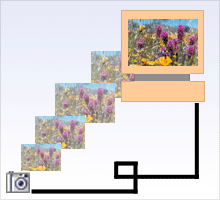
Transfer pictures from your digital camera to your computer in a few easy steps
Transfer pictures from your digital camera to your computer in a few easy steps.

Media Import is a simple but powerful application that makes it easy to transfer the great pictures you just took with your digital camera to your computer.

Once the pictures are on your computer, you can use Roxio applications such as PhotoSuite or MyDVD to correct minor flaws, create a slideshow, or create a video disc.


Tips

  • You can also use Media Import to:
    • Import photographs from discs and scanners
    • Import audio from an audio CD or phonograph record
    • Import audio using a microphone
    • Capture video from a DV camera, web camera, capture card, or digital camera
    • Copy movie titles, or scenes, from unencrypted discs or from video files saved on your hard drive.

Step-by-step

To import photographs from a camera:
  1. Connect the camera to your computer. If Media Import is not open, it will open automatically to the correct page. If Media Import is already open, make sure you are on the Photo page.
  2. Select the photographs to import.
  3. Select a destination for the photographs.
  4. Click on the Import Now button.

Previous topic Return to topic list Next topic

© 2000-2006 Sonic Solutions. All Rights Reserved.

www.roxio.com