



|
|
|
|
|
| Finalize a disc | |||||
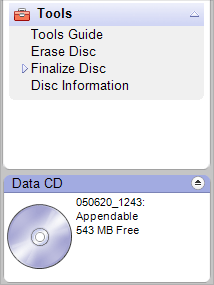
The Finalize Disc project is found
under the Tools tab. |
The Finalize Disc project closes a disc to ensure it is compatible with the largest number of drives and music players. When a write-once disc is closed, no new data or music can be added to it. When a rewritable disc is closed, no new data or music can be added to it unless the disc is erased. |
||||
| Step-by-step | |||||
To finalize a disc:
|
|||||
 |
 |
 |
 |
 |
© 2000-2006 Sonic Solutions. All Rights Reserved. |