



|
|
|
|
|
| Data options | |||||
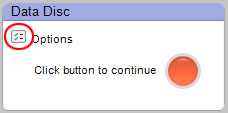
The Options button (circled). |
The Options button is located near the action button on the right side of the control panel. Click on it to access your Data options. Note: Some of the options described here may not be available with your version of the project launcher. Not all options are available with all drives or operating systems. |
||||
| Tips | |||||
The following Data options are particularly noteworthy:
|
|||||
 |
 |
 |
 |
 |
© 2000-2006 Sonic Solutions. All Rights Reserved. |