Autodesk DirectConnect for STL
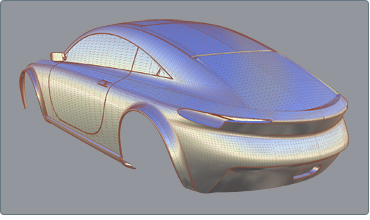
Autodesk DirectConnect lets you import STL files. No Autodesk DirectConnect license is required.
 For information on the Autodesk products that support this format, go to the topic, Summary of supported formats.
Software prerequisites
- Install the Autodesk product where you will be importing files using this format. (The Autodesk DirectConnect software is installed at the same time.)
- No license is required to import this file format.
- For Maya, you must load a plug-in to use Autodesk DirectConnect translators. See Additional software setup, Autodesk Maya.
 Maya supports this translator on the Macintosh OS X operating system.
To import STL files
The translator automatically launches and the file is imported into the scene.
Types of data imported
All STL meshes are imported.
For information on locating this data in your Autodesk software, see Where to find imported data.