

Resize a text area
 Do
one of the following:
Do
one of the following:-
Select the type object using the Selection tool or Layers panel, and drag a handle on the bounding box.
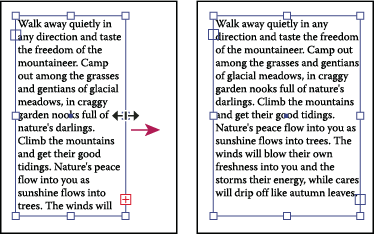 Resizing a text area with the Selection tool
-
Select the edge or corner of the type path with the Direct Selection tool
 . Then
drag to adjust the shape of the path.
. Then
drag to adjust the shape of the path.  Adjusting
the type path using the Direct Selection tool is easiest when you’re
in Outline view.
Adjusting
the type path using the Direct Selection tool is easiest when you’re
in Outline view.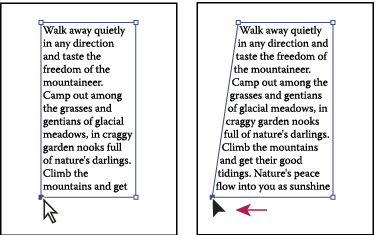 Resizing a type area with the Direct Selection tool
-
Select the type object using the Selection tool or Layers panel, and choose Type > Area Type Options. Enter values for Width and Height, and click OK. If the text area is not a rectangle, these values determine the dimensions of the object’s bounding box.