

Radial Wipe effect
The Radial Wipe effect reveals an underlying layer using a wipe that circles around a specified point. At Best quality, the edges of the wipe are anti-aliased.
- Start Angle
- The angle at which the transition starts. With a start angle of 0°, the transition starts at the top.
- Wipe
- Specifies whether the transition moves clockwise or counterclockwise, or alternates between the two.
This effect works with 8-bpc and 16-bpc color.
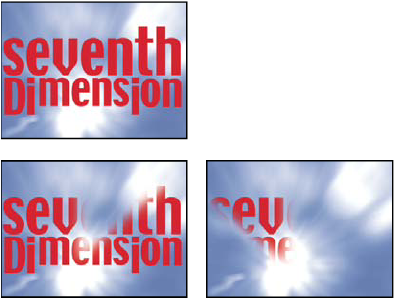
Original (top left), and with effect applied (bottom left
and right)